
Article by
Aaisha
A passionate content writer at PYQKosh focused on simplifying Current Affairs and PYQs for competitive exam aspirants. I love turning complex topics into easy, student-friendly content that helps learners prepare smarter and stay consistent in their exam journey.
Why are you still spending two hours every night manually writing down mistakes in a bulky "error notebook" that you rarely even open? Learning how to use pyqkosh wrong question tab is the secret to reclaiming your time and finally stopping those repetitive slips that tank your mock test scores.
It's frustrating to see the same subtopic errors pop up week after week, especially when you feel like you've studied the material. We know that feeling of being stuck. You're working hard, but without a clear way to track your weak points, you're just spinning your wheels.
This article will show you how to master the art of error analysis using our automated tracking features. You'll learn a clear strategy to clear your "Wrong Question" backlog and turn your weakest topics into high-scoring strengths before exam day.
We will walk through how to sort mistakes by frequency and how to use the "Aaina" dashboard to get a crystal-clear view of your progress. It's time to stop guessing and start practicing with precision.
Key Takeaways
- Stop wasting hours on manual error notebooks. Learn how to automate your mistake tracking so you can spend more time actually solving questions.
- Discover how to use pyqkosh wrong question tab to filter your slips by frequency and recency, ensuring you tackle the most stubborn mistakes first.
- Build a high-impact morning routine that clears your backlog in just 10 minutes, keeping your preparation focused and clutter-free.
- Connect your error data to the Aaina dashboard to see exactly how fixing past mistakes boosts your overall subtopic accuracy.
Why repeating the same PYQ mistakes is killing your rank
You've been there. It's the middle of a high-pressure mock test. You see a question on Percentage or Indian Polity that looks hauntingly familiar. You've solved it before; you might even have a vague memory of reading the solution. Yet, you're staring at the options, second-guessing yourself. You pick "B" only to find out the answer was "C." Again. This isn't just a "silly mistake." It's a pattern that's quietly killing your chances of making the final merit list.
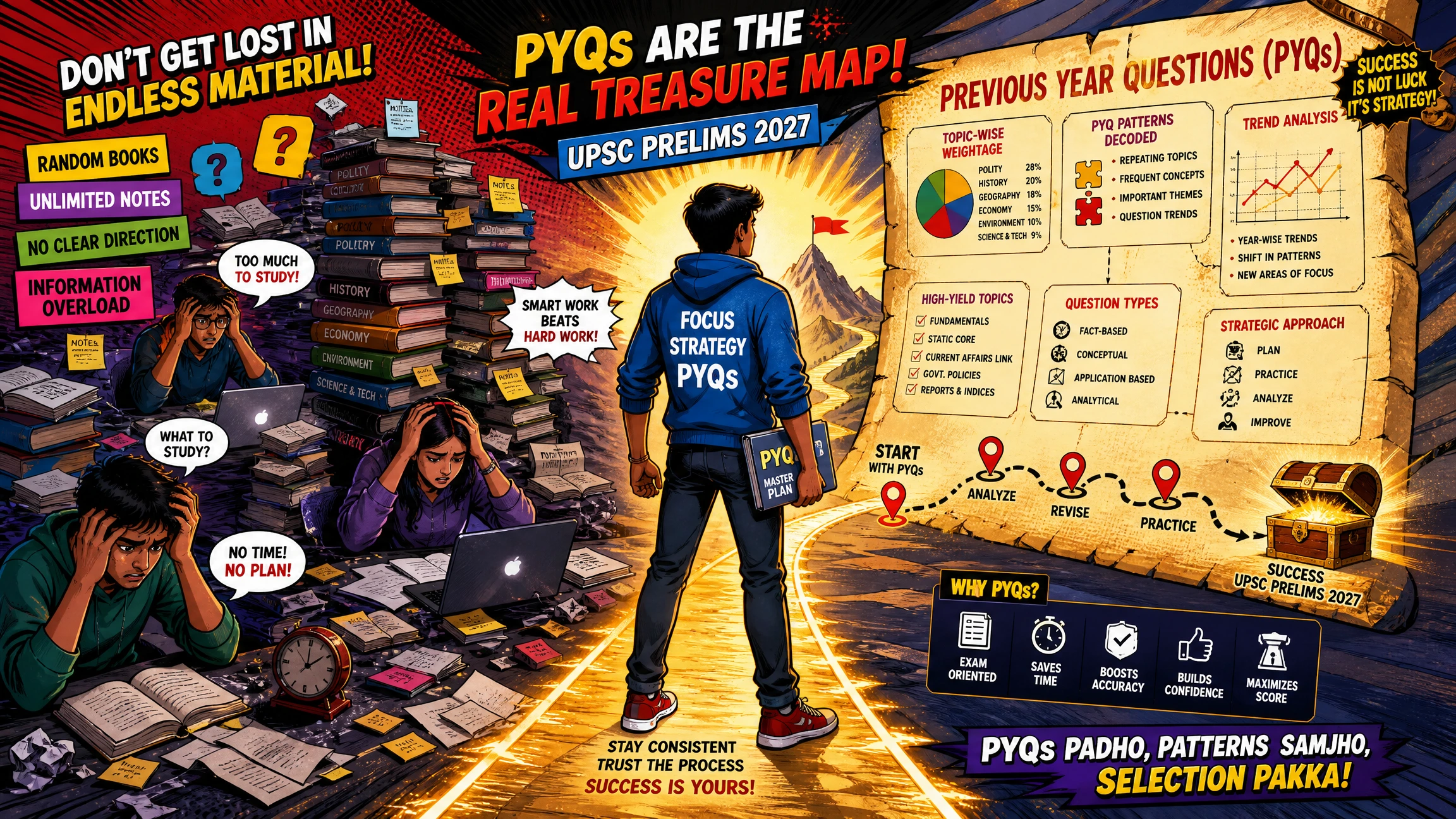
Most aspirants think the path to a top rank is paved with new topics. They rush to finish the syllabus, ignoring the trail of errors they leave behind. But here's the truth: your rank depends more on fixing what you already know than on learning something obscure. Toppers don't necessarily know more than you; they just make fewer mistakes. They practice thinking about your thinking to understand exactly where their logic fails under pressure. Learning how to use pyqkosh wrong question tab is the first step toward building that same level of self-awareness.
The shared struggle of the Indian aspirant
Manual tracking is a trap. We've all tried the "error notebook" method. You spend two hours solving and another three hours writing down mistakes in a bulky register. By the time you reach peak revision, that notebook is a mess of crossed-out ink and lost pages. It takes more time to maintain the book than it does to solve the actual questions. It's exhausting and inefficient.
We believe in a centralized "One Nation, One PYQ Station" approach. You shouldn't have to hunt through five different books to find a logic you forgot last week. When you're preparing for SSC or Railway exams, every minute counts. If your mistake tracking isn't automated, you're already behind the curve. Using an automated system ensures your focus stays on solving, not on clerical work.
Moving from random effort to targeted action
Success in government exams isn't about solving 10,000 questions randomly. It's about mastering the 10 specific mistakes you keep repeating. You need data-backed clarity, not disorganized chaos. Instead of blindly hitting "Next" on a test, you need to pause and analyze the subtopic that keeps failing you.
This is where you shift your strategy. Stop aiming for volume and start aiming for precision. If you're struggling with specific sections, check out this SSC Exam Questions pillar to see how to streamline your practice. Once you know how to use pyqkosh wrong question tab, you can instantly see which subtopics are your "rank killers" and fix them before the actual exam day. Practice your PYQs on PYQKosh today and stop the cycle of repeated mistakes.
Inside the Wrong Question Tab: Your automated error log
Think of the Wrong Question tab as your digital shadow. It follows your every move during a practice session. If you trip, it catches the fall. Most platforms make you click a star or a heart to save a question. But when you're in the zone, who has time for that? Knowing how to use pyqkosh wrong question tab means understanding that the logging happens instantly. Whether you are tackling SSC, UPSC, or Railway PYQs, every incorrect response is captured without you lifting a finger.
This is "Zero-Effort" Logging. It eliminates the friction between solving and reviewing. Usually, aspirants lose momentum because they have to stop and document their failures. Here, the system does the heavy lifting. It organizes your mistakes into a dedicated space, allowing you to maintain a high-energy flow during your actual study sessions. You can move from a Geography set to a Physics set knowing that every slip-up is being recorded for later.
Automated tracking vs. manual bookmarking
There is a massive difference between a bookmark and an error log. Bookmarks are for the "gold" questions. These are the ones with unique logic or tricky phrasing that you want to revisit. The Wrong Question tab is for the "gap" questions. These are the ones where your current knowledge failed you. By separating these two, the platform reduces your mental load.
You don't have to waste brainpower deciding what is worth saving. If you got it wrong, it belongs in the tab. This feature works seamlessly whether you are in Practice mode, taking your time with each question, or in Test mode, where the clock is ticking. You can start a practice session now and see how the system builds your log in real-time.
Subtopic-wise breakdown of your errors
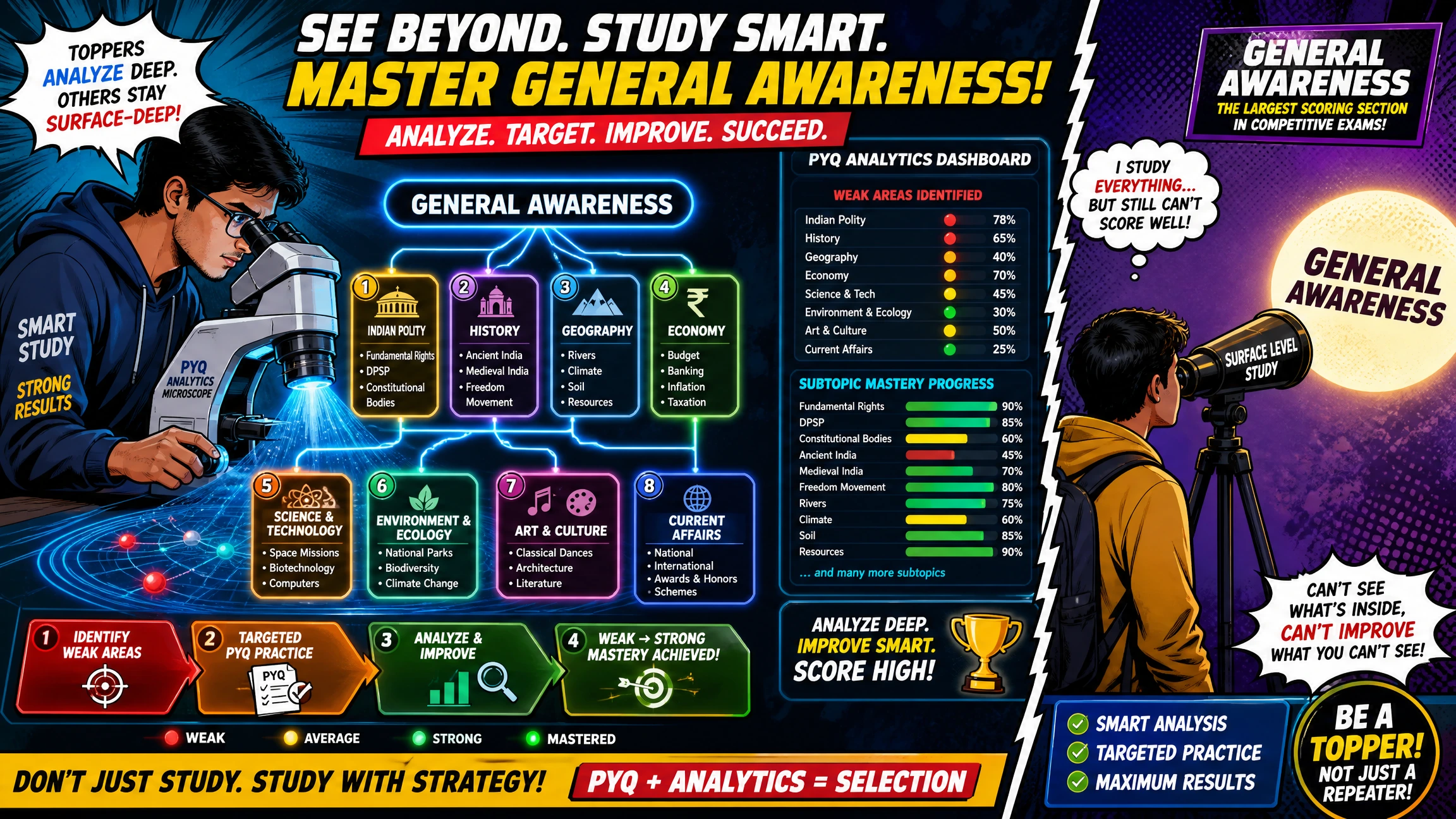
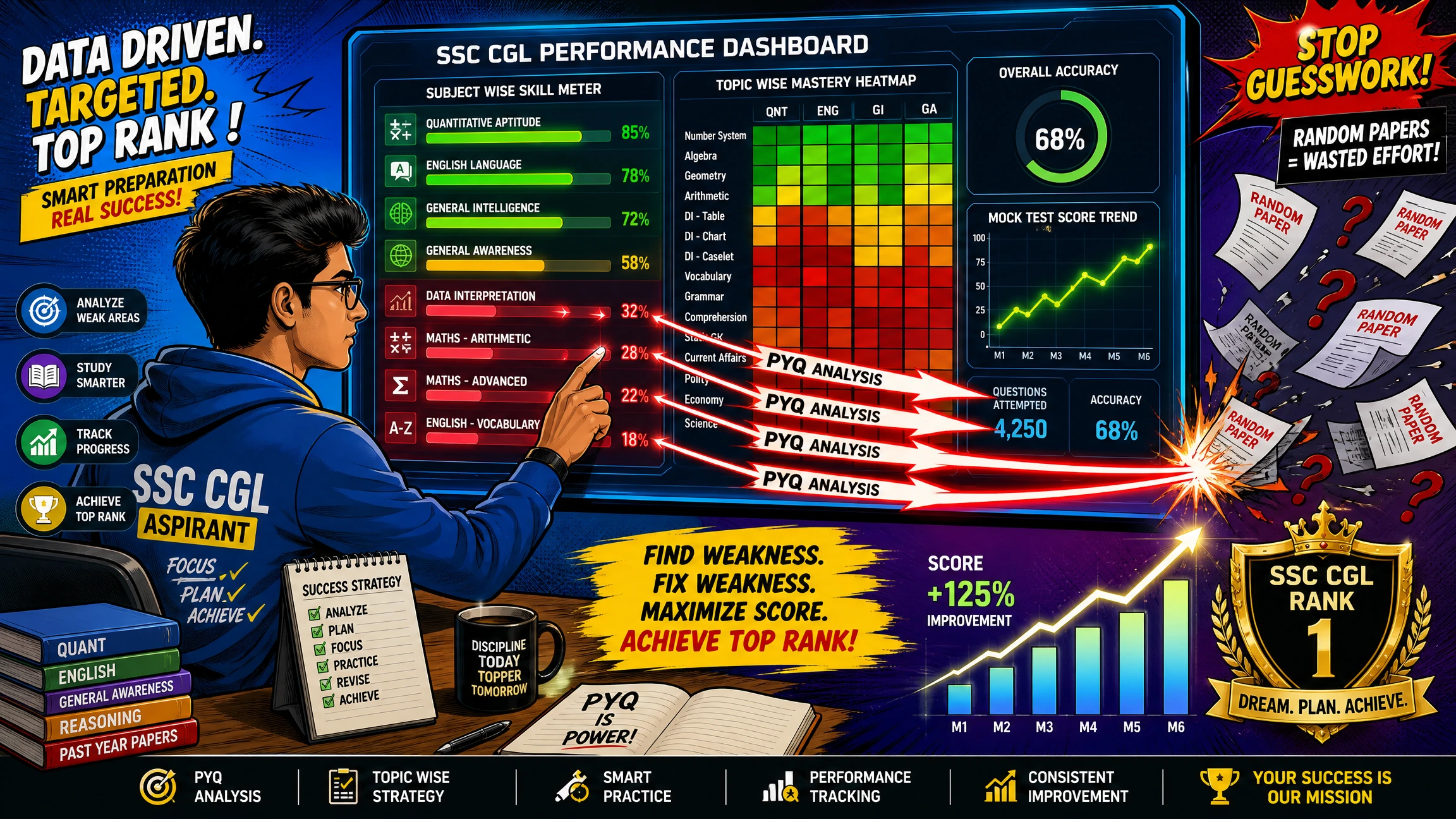
Most aspirants fail because they don't see the patterns in their failures. You might think you're "bad at Math," but the data might show you're actually only struggling with "Geometry." This level of subtopic tracking is a game-changer for your SSC CGL prep. It exposes hidden weaknesses that a general score simply cannot show.
When you see that 80% of your mistakes are clustered in "Modern History" while you're scoring perfectly in "Ancient," your revision plan changes instantly. You stop wasting time on what you already know. Subtopic tracking turns a vague "I need to study more" into a precise "I need to master this specific concept." It is the difference between random effort and a data-backed strategy. Understanding how to use pyqkosh wrong question tab helps you identify these clusters so you can attack them with focus.
Frequency vs. Recency: How to sort your mistakes like a topper
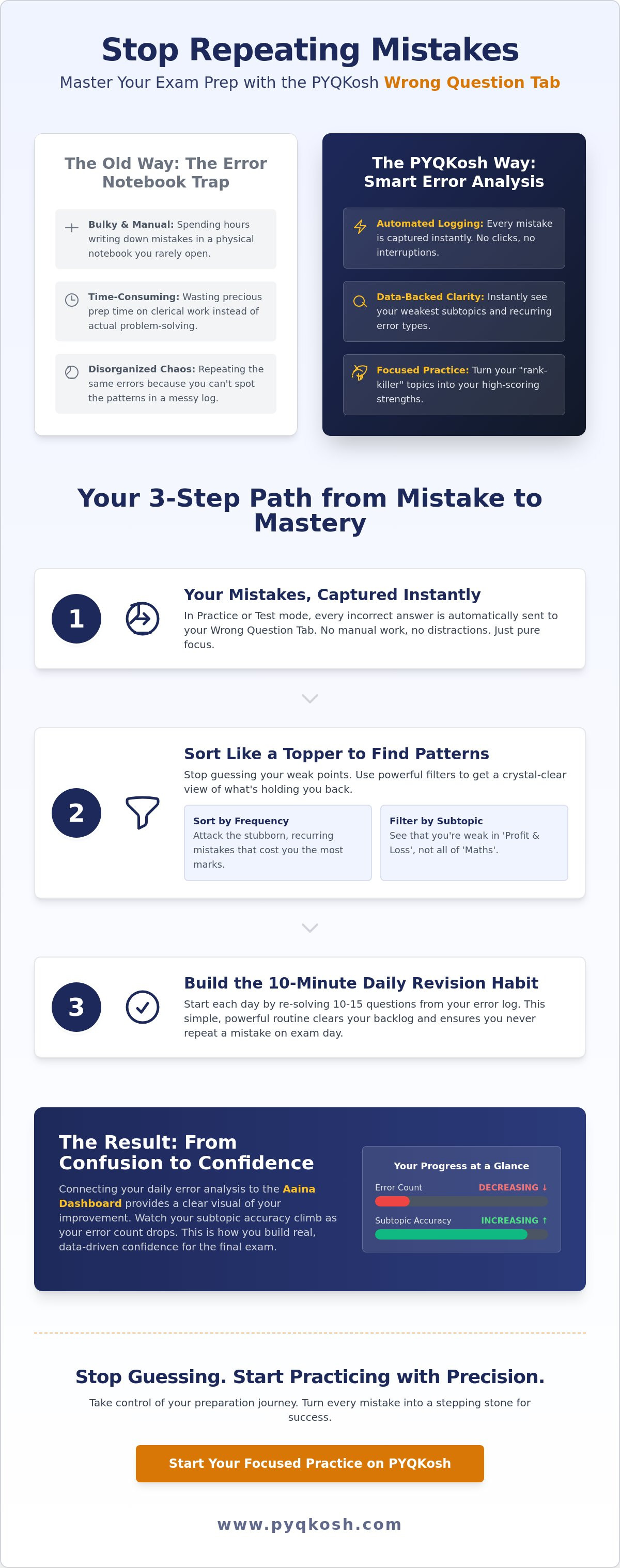
A pile of wrong questions can feel overwhelming. If you have 200 mistakes logged, where do you even start? This is where most aspirants give up and go back to random practice. But toppers don't just look at their mistakes; they sort them strategically. Understanding how to use pyqkosh wrong question tab effectively means mastering the two primary filters: Frequency and Recency. These aren't just buttons; they are the logic behind a perfect revision plan.
Sorting allows you to move from chaos to clarity. Instead of looking at a random list, you can prioritize questions based on how much they are hurting your score. By using these filters, you can create a custom "Must-Revise" list that targets your most dangerous habits first. It's about working smarter, not harder, to ensure that every minute of your revision counts toward a higher rank.
Mastering the Frequency Filter
The Frequency Filter is your reality check. It identifies the questions that "bully" you. If you see a question that you've made wrong three or four times, it's not a "silly mistake" or a lapse in concentration. It's a conceptual gap. You simply don't understand the underlying logic yet.
When you filter by frequency, you're looking for these stubborn errors. This is especially critical for UPSC CSE prelims, where conceptual clarity is king. If a specific subtopic keeps appearing in your high-frequency list, stop practicing for a moment. Go back to your textbooks, re-read the core concept, and then come back to solve it again. Mastering these "bullies" is the fastest way to see a jump in your mock test percentiles.
Staying fresh with the Recency Filter
While frequency catches deep gaps, the Recency Filter catches fresh slips. Yesterday’s mistakes are the easiest to fix today because the logic is still fresh in your mind. If you wait two weeks to review a mistake, you'll forget why you chose the wrong option in the first place. By checking your recently committed mistakes every morning, you prevent bad habits from taking root.
This filter is also the best way to track your immediate progress after a heavy study session. It keeps your Aaina dashboard updated with your most current state of preparation. If you've just finished a subtopic-wise test and want to do a quick post-game analysis, the recency sort is your best friend. It ensures that no fresh error goes unaddressed. Learning how to use pyqkosh wrong question tab with a focus on recency ensures your preparation stays sharp and up-to-date. Practice your PYQs on PYQKosh today and start sorting your way to success.
The 10-Minute Daily Revision: A routine to clear your backlog
You don't need hours to fix your mistakes. You need a system. Most aspirants let their errors pile up until they become a mountain of stress. They promise to "revise later," but later never comes. Knowing how to use pyqkosh wrong question tab as part of a quick, daily ritual is the only way to keep your preparation clean and focused.
Think of this as a morning warm-up for your brain. Before you dive into a new chapter or start a fresh mock test, you must face your past failures. It takes just 10 minutes, but the impact on your accuracy is massive. By making this a habit, you ensure that no mistake stays in your head for long. Follow these five simple steps every single morning:
- Step 1: Open the Wrong Question tab immediately after logging in. Do this before you touch any new study material.
- Step 2: Filter by "Frequency." Identify the top 5 questions that have "bullied" you the most. Solve them first.
- Step 3: Switch to "Recency." Review the slips from last night’s session while the logic is still fresh in your mind.
- Step 4: Use the "Test Mode." Don't just read the solution; re-solve the question against the clock to prove you've mastered it.
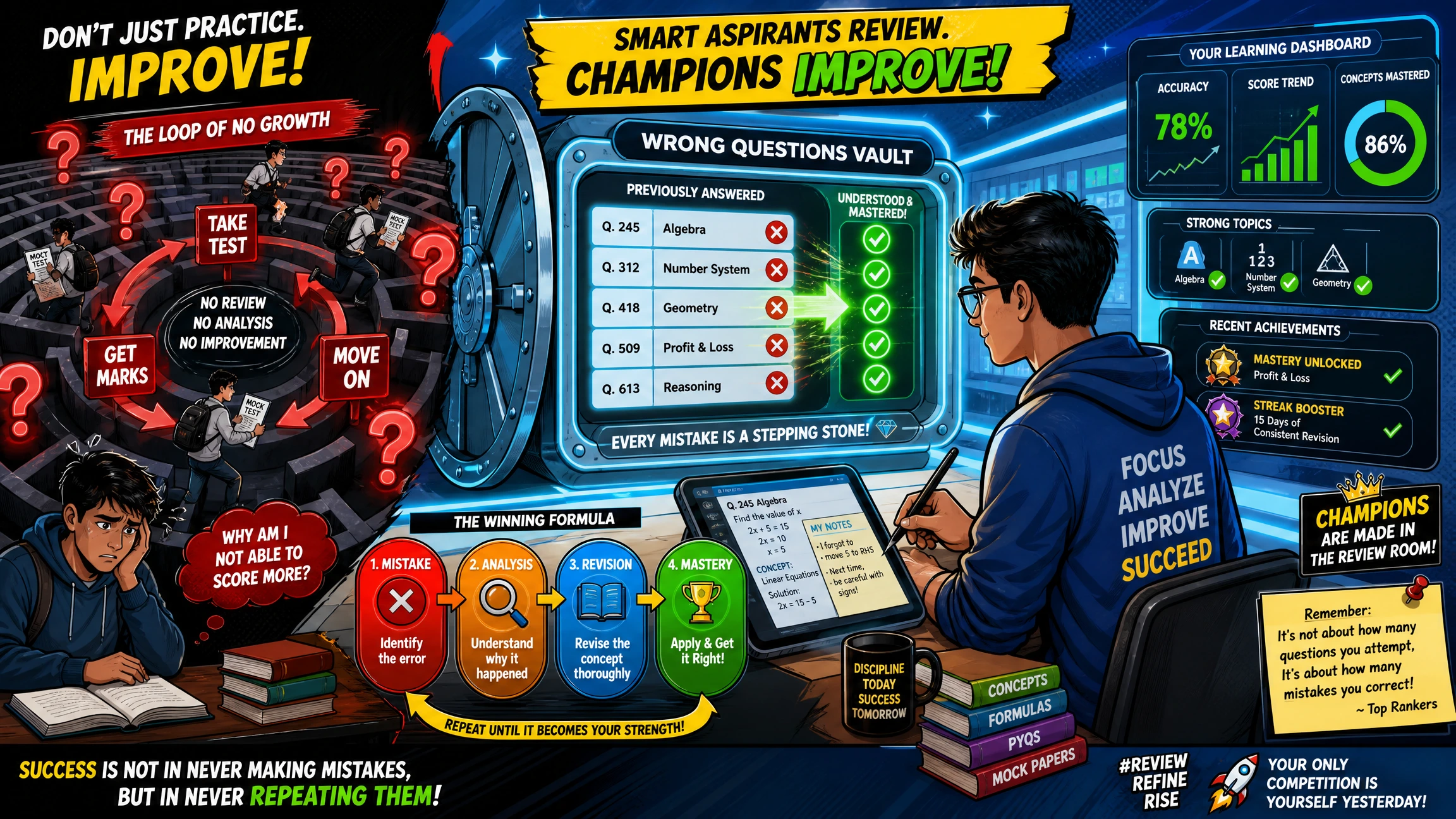
- Step 5: Check your Aaina dashboard. Watch your stats improve as questions move out of the "Wrong" tab and into your "Mastered" list.
Weekly deep-cleans for RRB and SSC aspirants
Sundays are for clearing the deck. If you are deep into Railway Exam prep or SSC practice, use your Sunday morning to wipe the subtopic backlog clean. The goal is simple: no question should stay in the "Wrong" tab for more than a week.
If a question is still there after seven days, it means you're avoiding it. Force yourself to sit with that specific subtopic until the logic clicks. A clean tab on Sunday night means you're ready to start the new week with a fresh, confident mindset. This discipline is what separates the average aspirant from the topper.
Active recall: The secret to clearing the tab
Passive reading is the enemy of retention. If you just read the solution and nod, you'll likely get it wrong again in the actual exam. You must try to solve the problem from scratch without looking at the explanation.
The PYQKosh interface is specifically designed for this "re-test" mindset. When you re-attempt a question in test mode, you're forcing your brain to retrieve the information. Active recall is the only real cure for repeated mistakes. Start your 10-minute revision routine on PYQKosh today and stop letting the same questions trip you up.
Beyond the Tab: Integrating mistake tracking into your full prep
Mistake tracking isn't an isolated task. It's the engine that drives your entire preparation. When you master how to use pyqkosh wrong question tab, you aren't just fixing a single error. You're feeding valuable data into your broader strategy. This information helps you decide exactly where to spend your energy next. It's the difference between a random study session and a targeted strike on your weaknesses.
Think of your preparation as a continuous feedback loop. You solve, you fail, you track, and you improve. By centralizing everything in one place, you remove the disorganized chaos that kills most aspirants' dreams. This is the secret to clearing exams in one attempt. It's about being a smart mentor to yourself. You're using your own data to guide your path to selection.
The Aaina Dashboard: Seeing your true self
The Aaina dashboard is your performance mirror. It doesn't lie. Every time you re-attempt a question and move it out of the Wrong Question tab, your Aaina score reflects that growth in real-time. Seeing your "Weak" subtopics slowly turn "Strong" is the ultimate motivation. It proves that your hard work is actually paying off. Most platforms show you a static score, but we show you your evolution.
Don't just aim for high scores on day one. Aim for a shrinking Wrong Question count. This approach embodies our "Work smarter, not harder" philosophy. Instead of running a marathon in the wrong direction, you're taking precise steps toward the finish line. Your weekly progress reports will show you exactly how much your accuracy has climbed since you started tracking your slips.
Your path to selection starts with your mistakes
Once you've cleared a mistake, it doesn't mean you should forget it forever. If a question had a particularly clever logic, move it to your Bookmark tab for long-term storage. This keeps your Wrong Question tab focused only on current gaps. Your bookmarks then become a curated list of the "gold" logic you'll need for the final week of revision. It's a clean, efficient system that grows with you.
You can use this data to decide which Practice Plan fits your current needs. If your Aaina dashboard shows you're struggling with specific subtopics, you know exactly where to focus your resources. Stop fearing your errors. They aren't signs of failure; they are the blueprint for your success. Knowing how to use pyqkosh wrong question tab gives you the power to fix your rank before you even step into the exam hall.
PYQKosh turns your weakest subtopics into your unfair advantage. While others are repeating the same slips, you'll be moving forward with data-backed confidence. Stop guessing and start practicing on PYQKosh today. Master the art of error analysis and turn your weakest topics into high-scoring strengths. Practice your PYQs on PYQKosh today and secure your rank.
Stop guessing and start dominating your exams
You now have the exact blueprint to turn your mistakes into a competitive edge. By mastering how to use pyqkosh wrong question tab, you're moving away from the disorganized chaos of manual notebooks and into a state of data-backed clarity. Remember to prioritize those high-frequency "bully" questions first and use the recency filter to keep your daily habits sharp.
With 100,000+ Previous Year Questions organized subtopic-wise, you'll never run out of relevant material to test your growth. Join the 2,000+ active aspirants who are already using the AI-powered Aaina Dashboard to track their performance and clear their backlogs with precision. It's time to stop repeating the same slips and start making every study session count toward your final selection.
Your journey from confusion to confidence is just a few clicks away. Trust the process, follow your daily revision routine, and watch your accuracy soar. Master your mistakes and boost your rank on PYQKosh today. You've got the drive; we've got the tools. Let's get to work.
Frequently Asked Questions
How do I access the Wrong Question tab on PYQKosh?
You'll find the Wrong Question tab right on your main dashboard as soon as you log in. It's designed to be a one-click destination so you don't waste time navigating complex menus. This is your command center for error analysis. Just look for the tab in the sidebar or on your profile page to start your daily 10-minute revision routine and stay on top of your mistakes.
Does the Wrong Question tab save questions from both Practice and Test modes?
Yes, the system captures mistakes from both Practice and Test modes automatically. Whether you're taking your time in a relaxed session or racing against the clock, every incorrect answer is logged. It's about giving you a complete picture of your performance. This automation removes the mental load of manual logging, allowing you to focus entirely on solving and learning without missing a single slip-up.
Can I sort my wrong questions subject-wise or only by frequency?
You can sort your errors subject-wise, topic-wise, and even by subtopic within the tab. Beyond that, you have the option to filter by frequency or recency. This flexibility helps you understand how to use pyqkosh wrong question tab to target your biggest weaknesses first. By organizing your mistakes this way, you can move from a state of disorganized chaos to focused, data-backed clarity in minutes.
What happens to a question once I get it right in a re-attempt?
When you correctly answer a question during a re-attempt, it moves out of your active backlog. This progress is immediately reflected in your Aaina dashboard. It's a satisfying way to see your "Wrong" count decrease as your conceptual clarity increases. Think of it as a digital checklist for success. Once a question is mastered, it clears the space for you to focus on the remaining challenges in your prep.
Is there a limit to how many questions the Wrong Question tab can store?
There is currently no limit to how many questions the Wrong Question tab can store. You can track hundreds of mistakes across different subjects without worrying about losing data. It's built to handle your entire preparation cycle from start to finish. Whether you're just starting or in the final 30 days of revision, your full history remains accessible, organized, and ready for your next study session.
How is the Wrong Question tab different from the Bookmark tab?
The Wrong Question tab is for every mistake you make, while the Bookmark tab is for questions you manually choose to save. Use bookmarks for tricky logic or high-quality questions you want to see again later. The Wrong Question tab is your automated error log for fixing gaps. By separating these two, the platform reduces your mental load and keeps your revision sessions streamlined and highly effective.
Can I use the Wrong Question tab for SSC CGL and UPSC at the same time?
You can absolutely use the tab for SSC CGL, UPSC, and Railway exams simultaneously. The system categorizes your errors by the specific exam and subject. This centralization makes it easy to manage your preparation even if you're targeting multiple government posts at once. You don't need separate accounts or notebooks. Everything is stored in one definitive destination, making your path to success feel manageable and organized.
Does the Wrong Question tab work on the mobile version of PYQKosh?
Yes, the Wrong Question tab is fully functional on the mobile version of the site. Most aspirants solve PYQs while traveling or during short breaks, so we've ensured the interface is smooth on your phone. Learning how to use pyqkosh wrong question tab on mobile means you can revise your errors anywhere, anytime. It's the "smart mentor" secret to making productive use of every spare minute in your busy schedule.